
Animate an old photo into a short video
One portrait becomes a short video where your loved one moves, smiles and blinks. For many people it's the first time they see a great-grandmother or grandfather “alive”.

Android app · start free, no payment needed
What you get
The video is short and calm so it feels natural, not exaggerated.
Gentle facial movement
A smile, a blink, a slight turn of the head, as if the person looked into the camera.
A short clip
The video is a few seconds long. With a subscription, videos can be longer.
Save and share
Save the video to your phone or send it to family.
Works on old photos
Black-and-white or color, ideally after restoring and colorizing.
How to animate a photo
Pick a portrait
Ideally a photo of one person looking into the camera.
Choose Animate
The video is usually ready in a minute or two. The app lets you know when it's done.
Watch and share
Play the video, save it or send it to family.
For the best result
What to expect
An animation is an artistic recreation, not real footage. Movement, expressions and hidden parts of the face, like teeth in a smile, are created by AI and may not match reality exactly.
Only animate photos you have the right to use, such as your own family photos. Don't upload photos of public figures or of people who wouldn't agree.
Questions
Which photos can be animated?
Photos where a person's face is clearly visible. A portrait of one person looking into the camera gives the best results. Photos without people can't be animated.
How long does it take?
Usually a minute or two. You can close the app in the meantime; it lets you know when the video is ready.
How long is the video?
A few seconds. With the unlimited subscription, videos can be longer.
How much does it cost?
A video costs more credits than a photo edit. New users get free credits, so you can try animation without paying. After that you can buy a credit pack or a subscription through Google Play.
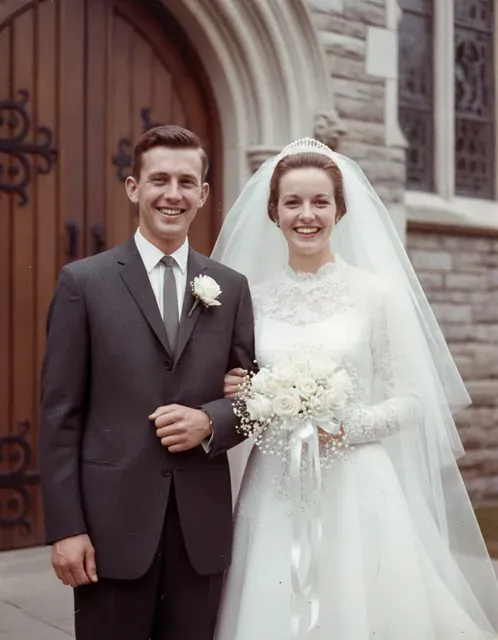 Restore old photos
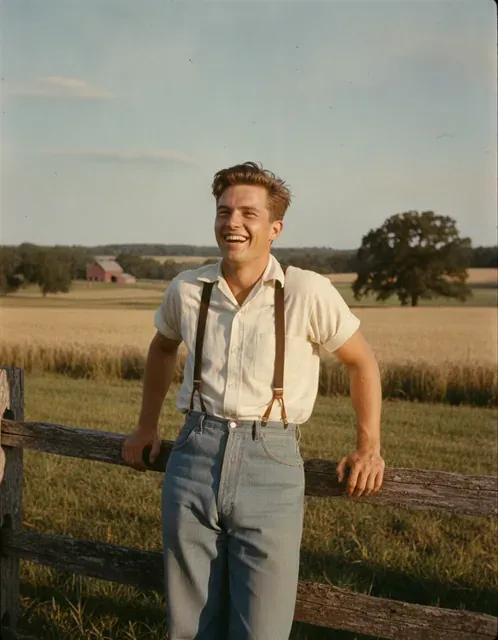 Colorize black-and-white photos
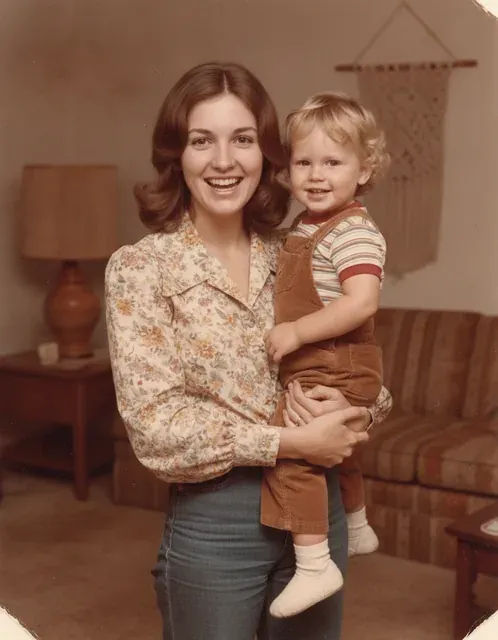 Enhance blurry faces
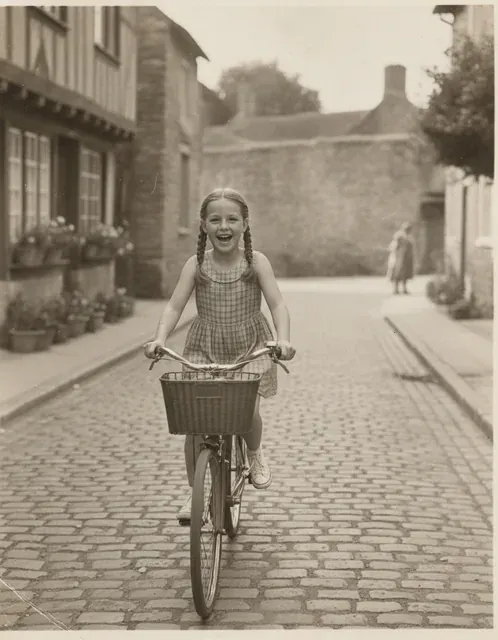 Remove scratches from photos
Try it on your own photo
Nostalgio is an Android app for now. New users get free credits, so you can try your first edits without paying. Uploaded photos are deleted after processing and results stay on our servers for only 7 days.