
Colorize black-and-white photos
See your great-grandmother, your grandparents or the house you grew up in, in color. Nostalgio gives black-and-white and sepia photos natural colors that fit their era: skin, hair, clothes and sky.

Android app · start free, no payment needed
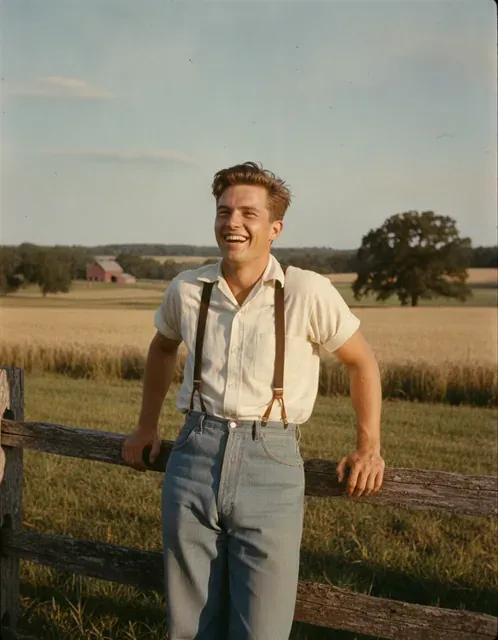
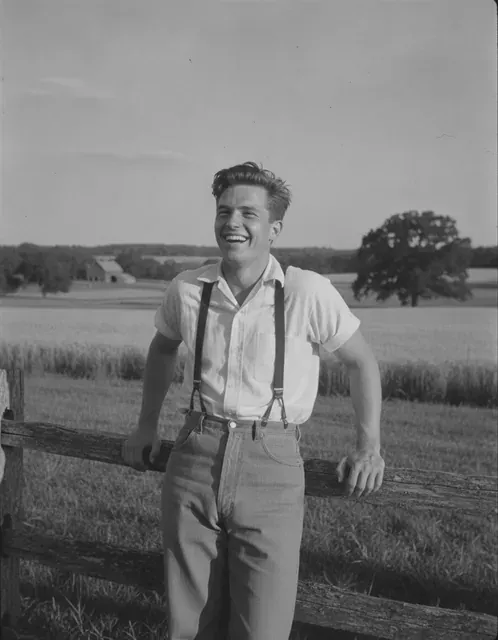 BeforeAfter
What colorizing handles
It works on black-and-white photos as well as sepia and yellowed ones that lost their tone long ago.
Natural skin and hair
Faces get lifelike, not plastic, colors and stay true to the original.
Clothes and period detail
Folk costumes, uniforms, dresses and interiors get the colors that were common at the time.
Landscape and sky
Fields, trees, water and sky look like a color photo taken the same day.
Sepia and yellowing
The brown or yellow cast of old paper is replaced with clean colors.
How to colorize a black-and-white photo
Pick a photo
From your gallery, or scan a paper print right in the app.
Choose Colorize
The color version is usually ready in under a minute.
Compare and share
Drag the slider to compare the original and the color photo, then send it to family, for example as a polaroid with a caption.
For the best result
Are the colors real?
A black-and-white photo never recorded the original colors, so nobody knows them for sure. The AI estimates them from how things usually looked at the time.
The result is believable but not historically exact: it may get grandpa's tie or grandma's eyes a different color. Treat it as an interpretation, not a record.
Questions
Can sepia or yellowed photos be colorized?
Yes. The app treats the brown or yellow cast as aging and replaces it with natural colors.
Can I choose the colors myself?
Not yet. The AI picks colors based on the subject and the era.
Does colorizing change the original photo?
No. The result is saved as a new photo in the app's gallery; the original stays untouched.
How much does it cost?
New users get free credits, so you can try your first edits without paying. After that you can buy a credit pack or an unlimited subscription through Google Play. Current prices are in the app.
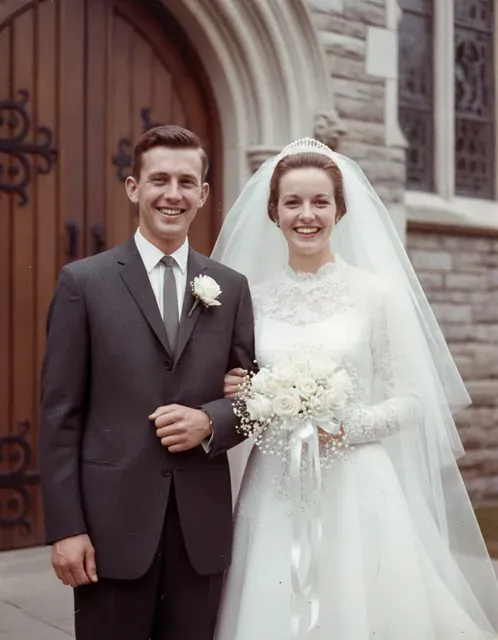 Restore old photos
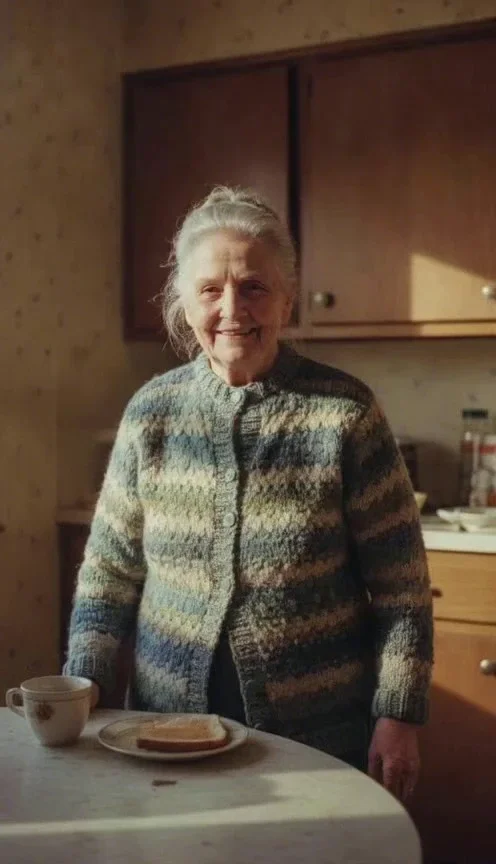 Animate old photos
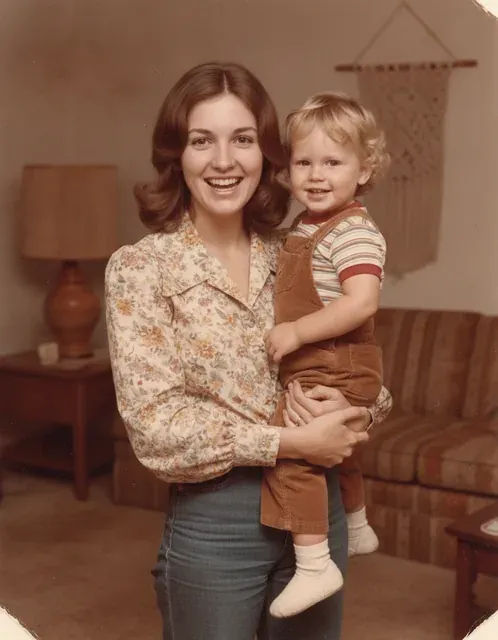 Enhance blurry faces
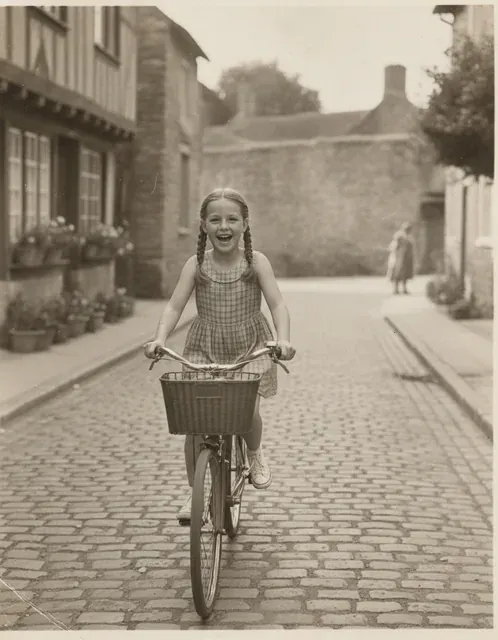 Remove scratches from photos
Try it on your own photo
Nostalgio is an Android app for now. New users get free credits, so you can try your first edits without paying. Uploaded photos are deleted after processing and results stay on our servers for only 7 days.