
Restore old photos right on your phone
A cracked wedding photo, a faded portrait from the album, water stains. Nostalgio repairs the damage, brings back lost detail and turns a phone snap of an old print into a clean memory you can print again or send to family.

Android app · start free, no payment needed
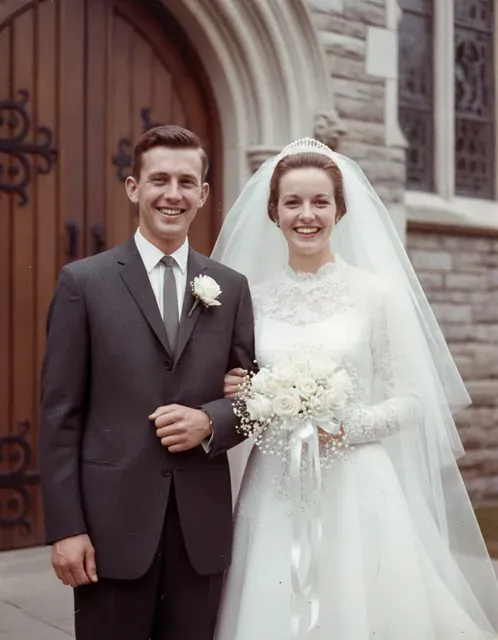
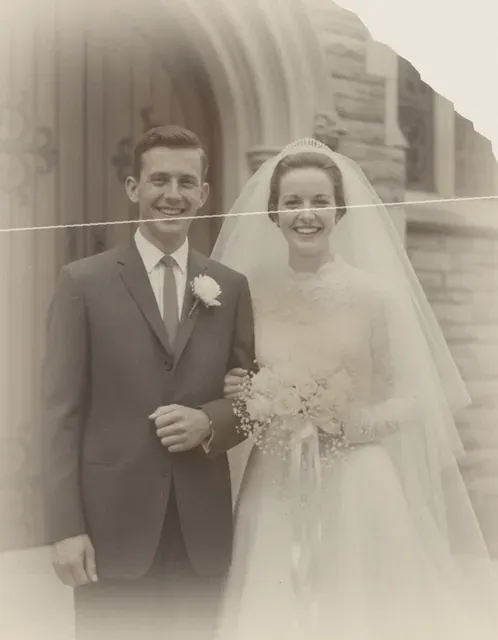 BeforeAfter
What restoration fixes
Restore is the most thorough tool in the app. Use it on photos that spent years in a shoebox, in a frame in the sun or in the basement.
Cracks and tears
Fold lines, torn corners and lines across a face are filled in from their surroundings.
Stains and spots
Water marks, mould, glue and fingerprints disappear without losing the photo's detail.
Fading
Faded prints get their contrast and deep shadows back. Colors, black-and-white and sepia tones stay as they were.
Lost detail
Soft outlines, hair, fabric and background are cleaned up and sharpened so the photo looks like the original print.
How to restore an old photo
Scan the photo
Take a picture of the print in the app; the edges are found and straightened automatically. You can also pick a photo from your gallery.
Choose Restore
The photo is processed on our server, usually in under a minute. You can close the app in the meantime.
Compare and continue
Drag the slider to compare before and after. A black-and-white photo can be colorized or animated next.
For the best result
- Take the photo out of its frame or album sleeve; glass causes reflections.
- Shoot in daylight, without flash and out of direct sun.
- Hold the phone parallel to the photo so it doesn't get distorted.
- If the photo is only lightly scratched, the gentler scratch removal is enough.
What to expect
Restoration is done by AI. It fills in missing parts from what is around them, so the result is an interpretation of the original, not a historical record.
The more of the photo survives, the more faithful the result. If a large part of a face is missing, the app can't reliably redraw it, so always keep the original.
Questions
Can a badly damaged photo be restored?
Yes, as long as the main subject, especially the faces, is at least partly visible. The app handles cracks, stains and fading well; parts that are missing completely are filled in by estimate.
Will a black-and-white photo stay black-and-white?
Yes. Restore repairs the damage but doesn't add color. If you want it in color, use Colorize afterwards.
Do I need a scanner?
No. Your phone is enough: the app photographs the print, finds its edges and straightens it. If you already have a scan, pick it from your gallery.
How much does it cost?
New users get free credits, so you can try your first edits without paying. After that you can buy a credit pack or an unlimited subscription through Google Play. Current prices are in the app.
 Colorize black-and-white photos
 Animate old photos
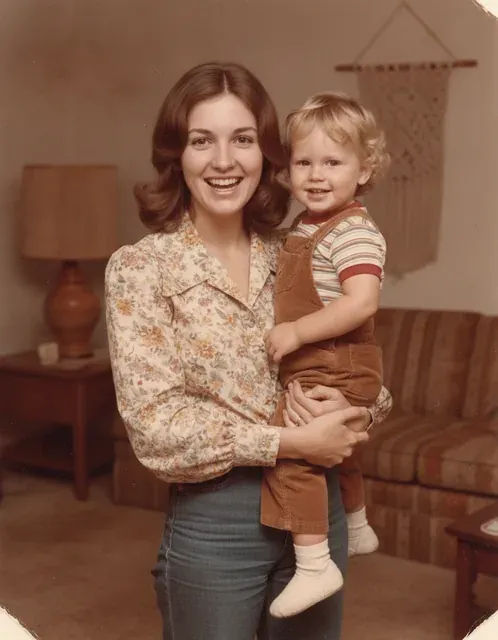 Enhance blurry faces
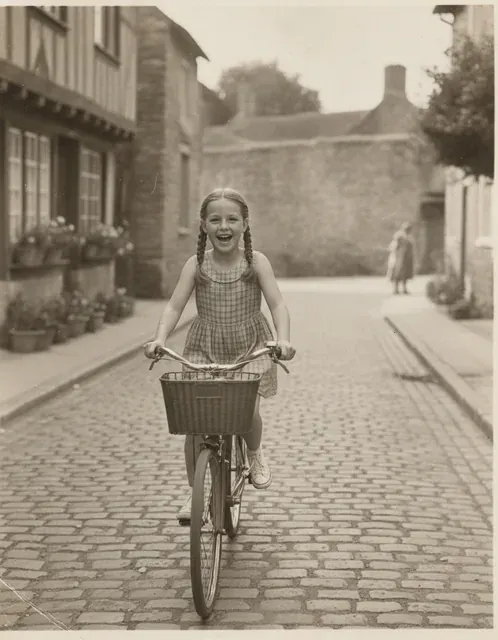 Remove scratches from photos
Try it on your own photo
Nostalgio is an Android app for now. New users get free credits, so you can try your first edits without paying. Uploaded photos are deleted after processing and results stay on our servers for only 7 days.