
Sharpen blurry faces in old photos
Old photos are often soft exactly where it matters most: the faces. Nostalgio brings back their clarity and detail, so you can recognise who is looking back at you again.

Android app · start free, no payment needed
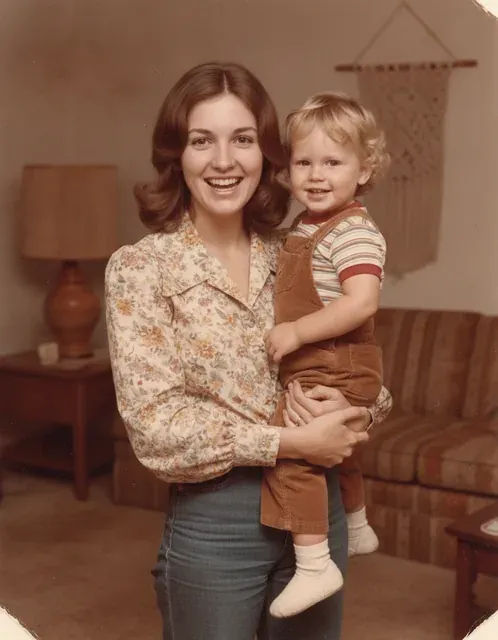
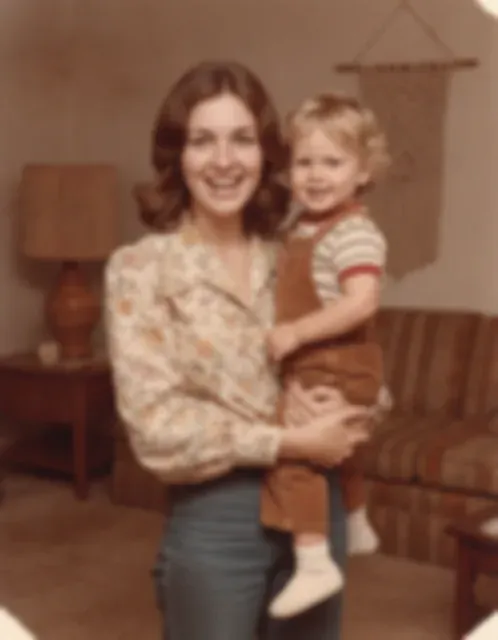 BeforeAfter
When it helps
The tool focuses on faces and leaves the rest of the photo as it is.
Soft old photos
Photos from simple cameras where faces are soft and lack detail.
Small faces
People in the background or in a group photo where a face is only a few millimetres tall.
Phone shots and scans
Blur from a poor scan, an old phone or movement when the photo was taken.
Eyes, hair, smile
The details you recognise someone by come back: the look, eyebrows, hair, teeth.
How to sharpen a face in a photo
Pick a photo
From your gallery or a scanned print. There must be at least one face in the photo.
Choose Enhance faces
It's usually done in under a minute.
Compare
Drag the slider to compare before and after. You can colorize or animate the photo next.
For the best result
Will it still look like them?
Details that aren't in the photo are filled in by AI. On a slightly soft face the result is very faithful; on a completely blurred one the features may differ a little from reality.
Always compare the result with the original; that's what the before/after slider is for.
Questions
Does it work on group photos?
Yes, all faces in the photo are enhanced. For very small faces in the background the result is less certain.
Does it sharpen the rest of the photo?
No, the tool is made for faces. To fix the whole photo, use Restore.
What if there's no face in the photo?
Enhance faces needs at least one person in the photo. For landscapes or buildings, use Restore or Fix lighting.
How much does it cost?
New users get free credits, so you can try your first edits without paying. After that you can buy a credit pack or an unlimited subscription through Google Play. Current prices are in the app.
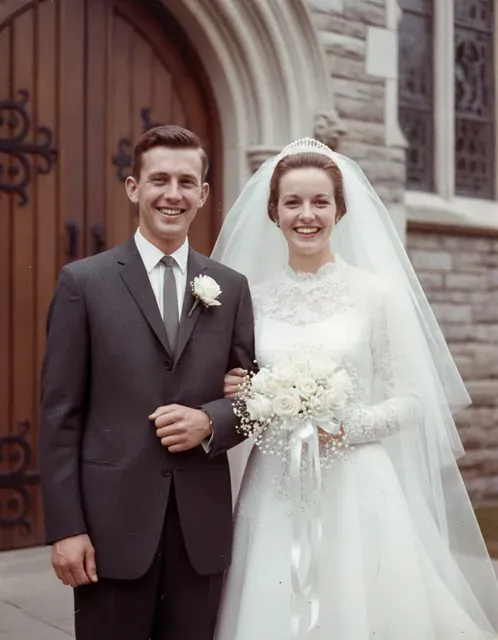 Restore old photos
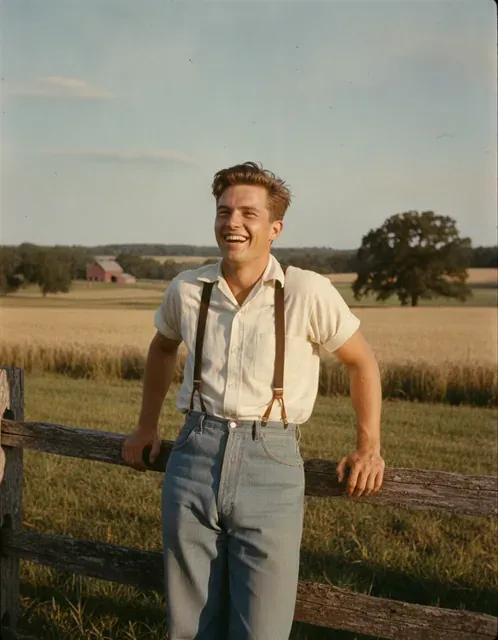 Colorize black-and-white photos
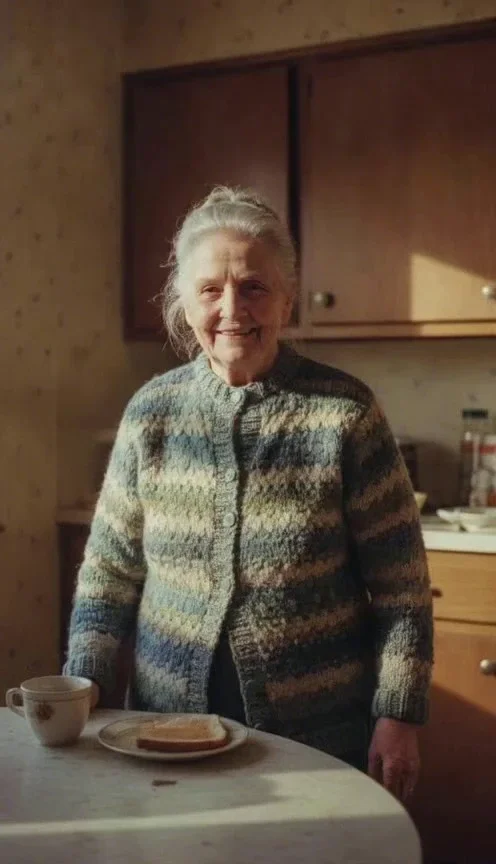 Animate old photos
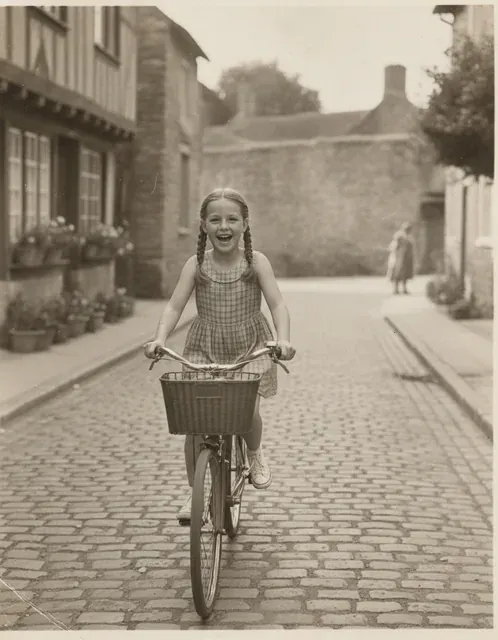 Remove scratches from photos
Try it on your own photo
Nostalgio is an Android app for now. New users get free credits, so you can try your first edits without paying. Uploaded photos are deleted after processing and results stay on our servers for only 7 days.